Login that stays put
Sign in once and the App keeps the session until you log out, so a match night does not start with a password reset.
One file, one install, and the lobby lives on your home screen. The livecash77 App is a 45 MB APK for Android 7.0 and newer, with slots, lottery, cricket markets and mobile banking built in. Save it once and stop hunting for the browser tab every time you want a spin.
18+ · Play Responsibly · Free file
The link below is the only file you need. It is the full installer, not a small helper that pulls extra pieces later, so the size on this page matches the size on your phone. Save it once and you can install again after a factory reset.
livecash77.apk45 MBVersion 3.0.1Android 7.0 or newer
| Item | Detail |
|---|---|
| App version | 3.0.1 |
| File name | livecash77.apk |
| File size | 45 MB |
| Minimum Android | 7.0 |
| Last updated | 16 November 2026 |
| Cost | Free |
| Languages | English and Bangla |
There is no iOS build to download. iPhone players keep a shortcut on the home screen, and it opens the same lobby in one tap with the same login.


No address bar, no retyping, no tab that reloads when a call comes in. Tap the icon and the game list is already there.
bKash, Nagad, Rocket, Upay and bank transfer sit in the wallet tab. Deposits normally settle in about 4 minutes, withdrawals in about 22.
5,900 titles from PG Soft, KA Gaming, CQ9, JDB, Playtech, Red Tiger and Pragmatic Play, next to the cricket markets.
Match starts and bonus drops come as phone notifications instead of an email you read the next morning.
Scan with the camera on your phone, or tap the button on a desktop and send the file across.
Five steps, roughly three minutes on Wi-Fi. You allow outside installs once, and you can switch that setting back off as soon as the icon appears.
Open Settings, then Security or Apps > Special access, and turn on Install unknown apps for Chrome or whichever file manager you use. This only lets the phone open the APK you are about to save. Android 7.0 and newer keeps the switch per app, so other files stay blocked.
Tap Download APK at the top of this page and leave the screen alone until the progress bar closes. The notification should read livecash77.apk and 45 MB. A half-finished download is behind most failed installs, so check that size before you carry on.
Pull down the notification shade and tap the completed file, or go to Files > Downloads and tap livecash77.apk. Do not rename it, do not unzip it, and do not send it through a chat app first. Those three habits are what usually break the package.
Tap Install on the system screen and wait a few seconds. If Play Protect shows a warning, choose More details, then Install anyway. Tap Open when it finishes, or find the icon in the app drawer.
Log in with the phone number and password you already use, or open a new account straight from the App if you are new. Everything is in the same place: the login page for old players, the register page for first-timers.
Six things players use every day, from the first tap to the withdrawal request. Nothing on this list needs a separate download.
Sign in once and the App keeps the session until you log out, so a match night does not start with a password reset.
bKash, Nagad, Rocket, Upay and bank transfer are inside the App. Minimum deposit is ৳150, minimum withdrawal is ৳1,200.
The full casino lobby loads with provider names and RTP labels, so you can pick a title before you spend.
BPL nights, international fixtures and football sit next to the slots. Odds refresh as the game moves, not at fixed intervals.
Turn on notifications for bonus drops and match starts, or mute them and check the rewards tab on your own schedule.
Support runs 24/7 from inside the App. Ask about a pending deposit or a locked session without leaving the lobby.
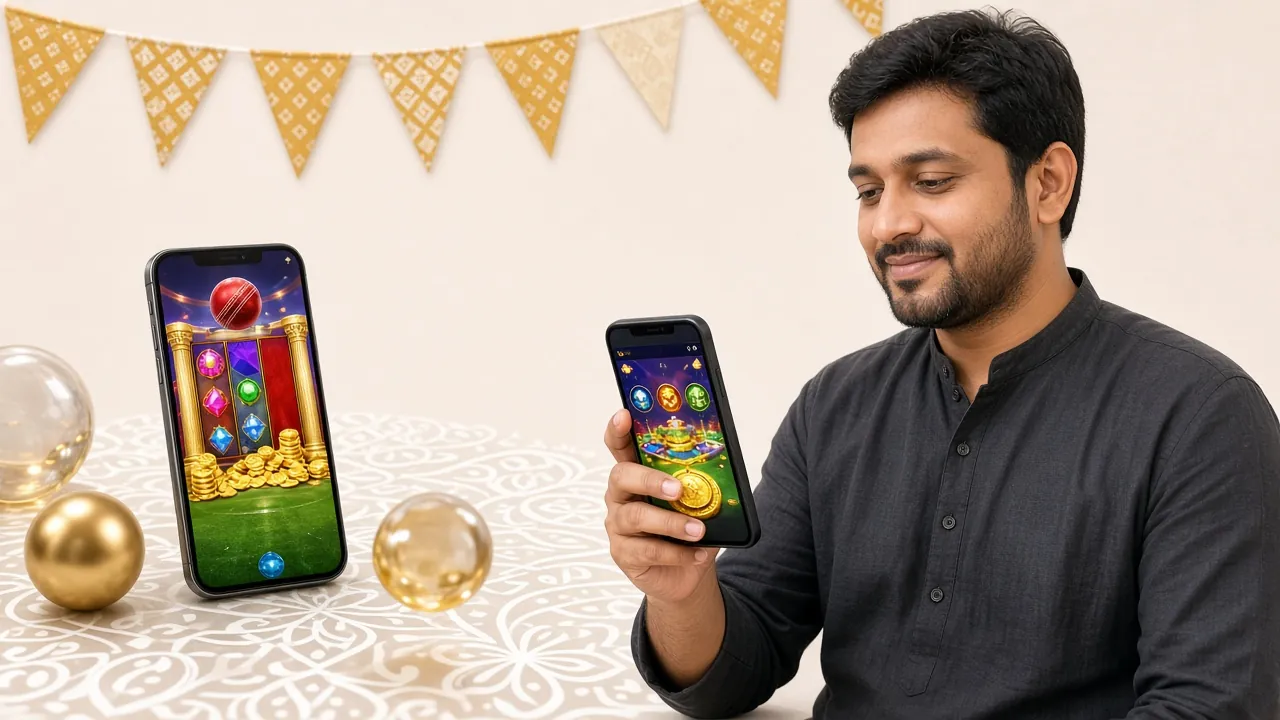
Both routes open the same account and the same balance. The difference is how quickly you get in, and how much data each visit costs you.
| What you compare | livecash77 App | Mobile browser |
|---|---|---|
| Opening speed | Straight to the lobby from the icon | Fresh page load, then login |
| Data use | Images cached after the first session | Page and images load again each visit |
| Notifications | Phone alerts for bonuses and match starts | None unless a tab stays open |
| Install needed | 45 MB file, Android 7.0 or newer | Nothing to install |
| One-hand use | Bottom tabs built for a thumb | Zooming and scrolling for menus |
| Best for | Daily players on Android | iPhone users and shared phones |
Most failures come from three things: an unfinished download, a system setting, or a phone that is older than Android 7.0. Work down this table before you delete anything else.
| Problem | Why it happens | What to do |
|---|---|---|
| Install blocked | The phone does not trust files from outside the Play Store | Tap More details, then Install anyway. If that button is missing, switch on Install unknown apps for your browser and try once more. |
| Parse error | The download stopped early, or a file manager renamed the file | Delete the file, download again on Wi-Fi, and keep the name livecash77.apk. The finished file must show 45 MB. |
| Not enough space | Old video and chat media have filled the phone | Clear app caches, move photos to a memory card, then install. Leave room for the file plus a little working space. |
| App not installed | The handset runs an Android version below 7.0 | Update Android if the maker still supports the model. If not, play in the mobile browser; the account and balance stay the same. |
| Installs, then closes | An older copy is still on the phone, or memory is full | Uninstall the old version, restart the phone, install the new file, then log in again. Live chat can check your session if it repeats. |
If two attempts fail on the same phone, try the file on another handset before you assume the download is broken. Memory cards and second-hand phones often hold a half-written copy that looks complete.
Five permissions, each with a reason you can check. You can refuse any of them and still sign in and play.
Saves game images and the installer so the lobby opens faster next time. Clear it from Settings > Apps > livecash77 > Storage when the phone feels slow, and the App rebuilds the cache on the next launch.
Used for bonus drops and match start times. Turn them off in the same Settings screen, or from the bell icon inside the App, without losing access to your account.
Asked only when you photograph an ID document before your first withdrawal. Deny it and upload a saved file from your gallery instead.
Reads the APK while Android runs the installer. After the icon appears on your home screen you can switch this permission back off.
Keeps the session tied to your handset and loads game data. The App does not read contacts, call logs or text messages.
Install only the file from livecash77.net. Copies passed around in Facebook groups, Telegram channels or shortened links can carry extra code. Before you tap Install, check the name is livecash77.apk and the size is 45 MB. Our staff never ask for your password or for the one-time code bKash sends to your phone, and nobody from support will call to request either.
A 2 GB Android phone on a 3G line can still play comfortably. The trick is to spend data and battery where it matters and skip the parts that eat both.
One tap from your home screen opens the full game lobby. No browser tab, no typing the address each time.
A single 45 MB file installs on almost any Android handset sold in Bangladesh in the last several years.
Deposit and withdraw without leaving the app. Funds arrive in about 4 minutes; withdrawals clear in around 22 minutes.
Version 3.0.1, updated 16 November 2026. The file is free; re-download any time after a reset.
Scan to download
on your phone
Yes, when it comes from this site. The file is served from livecash77.net over a secure connection and installs like any other Android app. Skip copies from Facebook groups or forwarded links, and check the name and the 45 MB size before you tap Install. Run your usual phone scan afterwards for peace of mind.
Android 7.0 or newer. Anything older shows App not installed or a parse error, because the installer cannot read the package format. If your phone cannot be updated, the mobile browser runs the same account without any install, and your balance stays exactly where it is.
It is free to download and free to keep. The file is 45 MB, smaller than most social apps, and it stays around that size unless you leave the cache to grow. You need room for the file itself plus a little space for the install to unpack.
Come back to this page and download the file again. The new APK installs over the old one, so your login and balance stay in place and there is no need to uninstall first. Check the version number in the table above before you start, and keep the phone charged.
Yes. Open the wallet tab and choose bKash, Nagad, Rocket, Upay or bank transfer. The minimum deposit is ৳150, cash usually lands in about 4 minutes, and withdrawals start at ৳1,200 with a wait of roughly 22 minutes once approved.
Delete the file, restart the phone, and download once more on Wi-Fi. Then check three things: Android 7.0 or newer, Install unknown apps switched on for your browser, and free space above the file size. If it still fails, live chat is open all day and can check your account.
Save the 45 MB file, install it in a few taps, and keep the lobby one tap from your home screen. If you are new here, open an account first so your first cash-in counts toward the welcome bonus.
18+ · Play Responsibly · Free download · Android 7.0 or newer